You can enrich Company and Person records using publicly available information from the internet. For people records, enrichment works best if the person has an internet presence beyond LinkedIn.
Remember AI can get it wrong. Always check the results returned by AI.
This functionality will only be available if you have a subscription to OpenAI integrated with Ezekia. This FAQ page describes how administrators can set up that integration: How do I set up and use OpenAI?
Record Enrichment
To enrich a person or company record, click on the AI button shown near the top of the record:
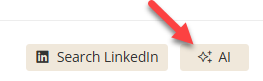
For company records, you may need to confirm which company matches the one you want information about.
You will then be given a range of options for fields to enrich (the picture below is from a person enrichment).
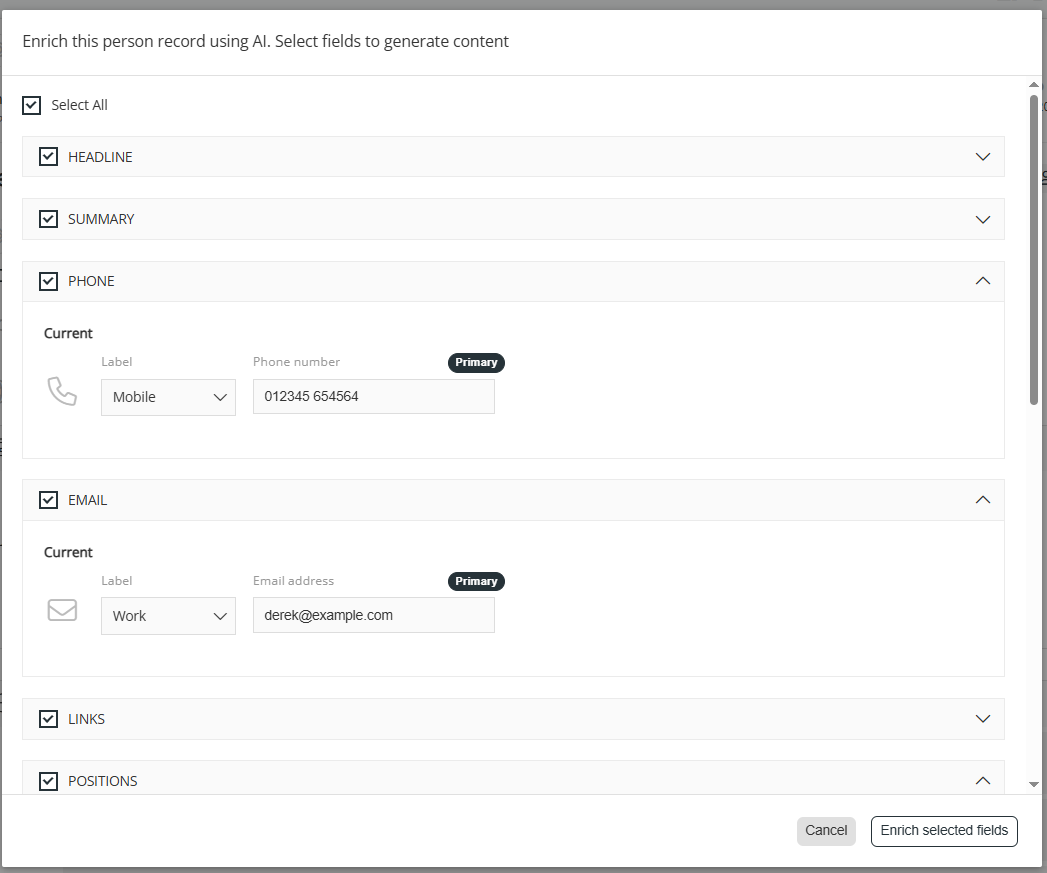
You might not want enrichment in some fields. For example, if you already know the person's email and phone number, there is little point in looking for more. In this case, untick the sections that are not required, and click 'Enrich selected fields'.
The system will return all the data it can generate. You do need to review this - you can tick the boxes to accept an update (then click 1, below) or accept all the suggested updates (click 2).

Create Company records using AI
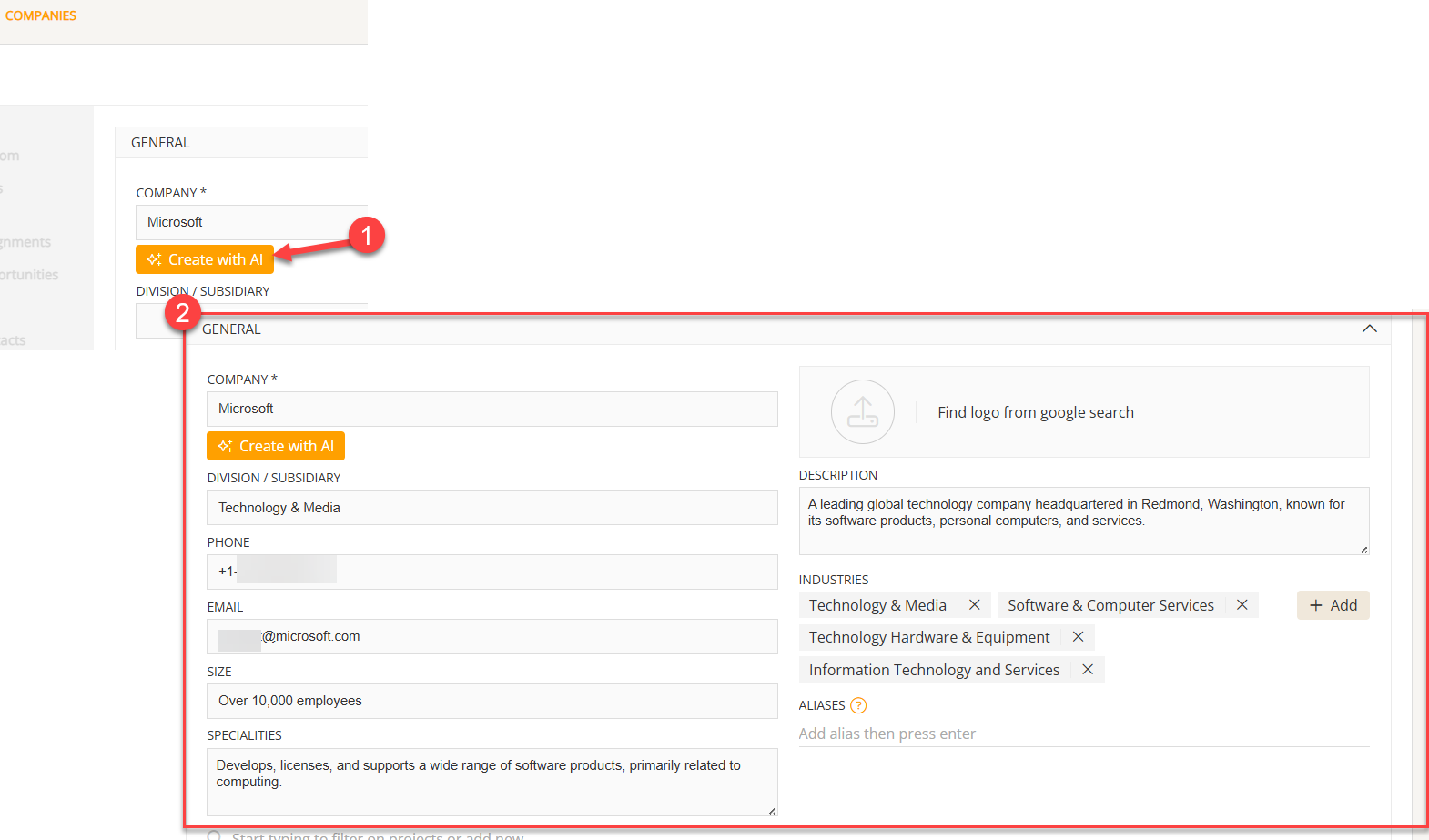
You can create company records from scratch using the 'Create with AI' button on the New Company screen.
Enter the name of the company you want and click 'Create with AI'. The new company's fields will be filled in using publicly available information on the internet.