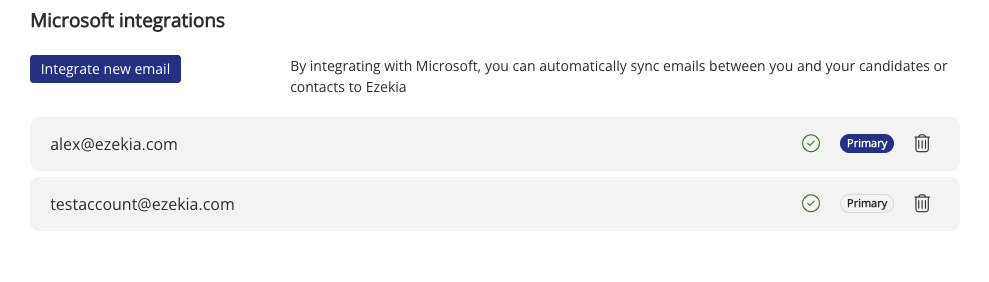
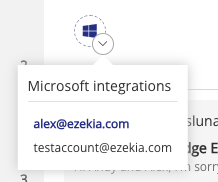
You can setup a shared MS account integration for one of the accounts as a second integration. Then, setup email syncs for those records where you want them to sync. There is a dropdown to select which integration to use before clicking the sync button.
On the add-in side, if you wanted to add individual emails, you would need to sign into the shared account and access the add-in that way. You wouldn't need the second integration that way, your current integration should be able to query for any shared emails.
Was this article helpful?
That’s Great!
Thank you for your feedback
Sorry! We couldn't be helpful
Thank you for your feedback
Feedback sent
We appreciate your effort and will try to fix the article